GAOMON Pro 19 (PD1900) – FAQ
This article contains a clear, comprehensive FAQ for the GAOMON Pro 19 (PD1900) Pen Display, based on verified product details from GAOMON's official product page and documentation.
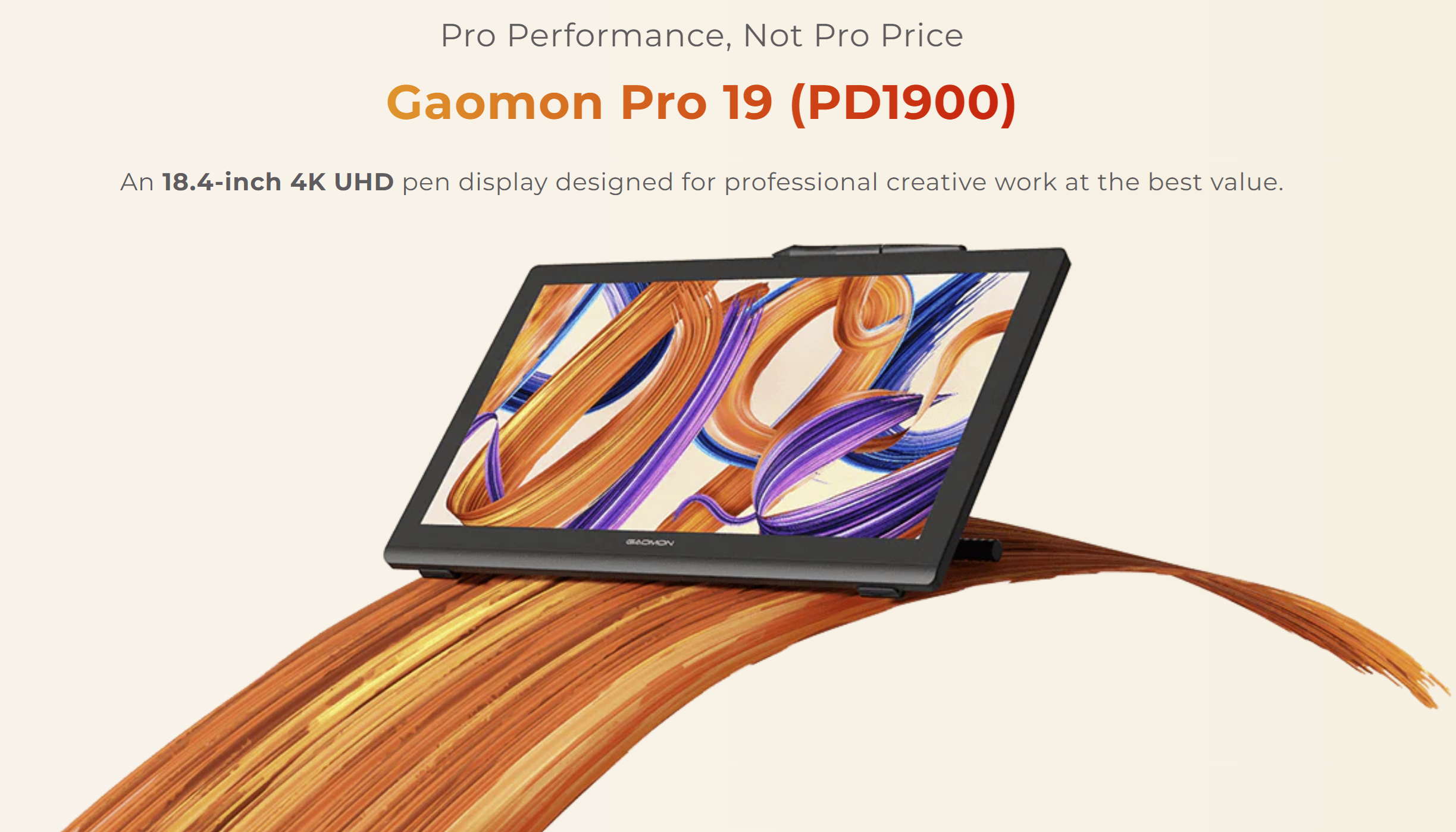
1. What is the GAOMON Pro 19?
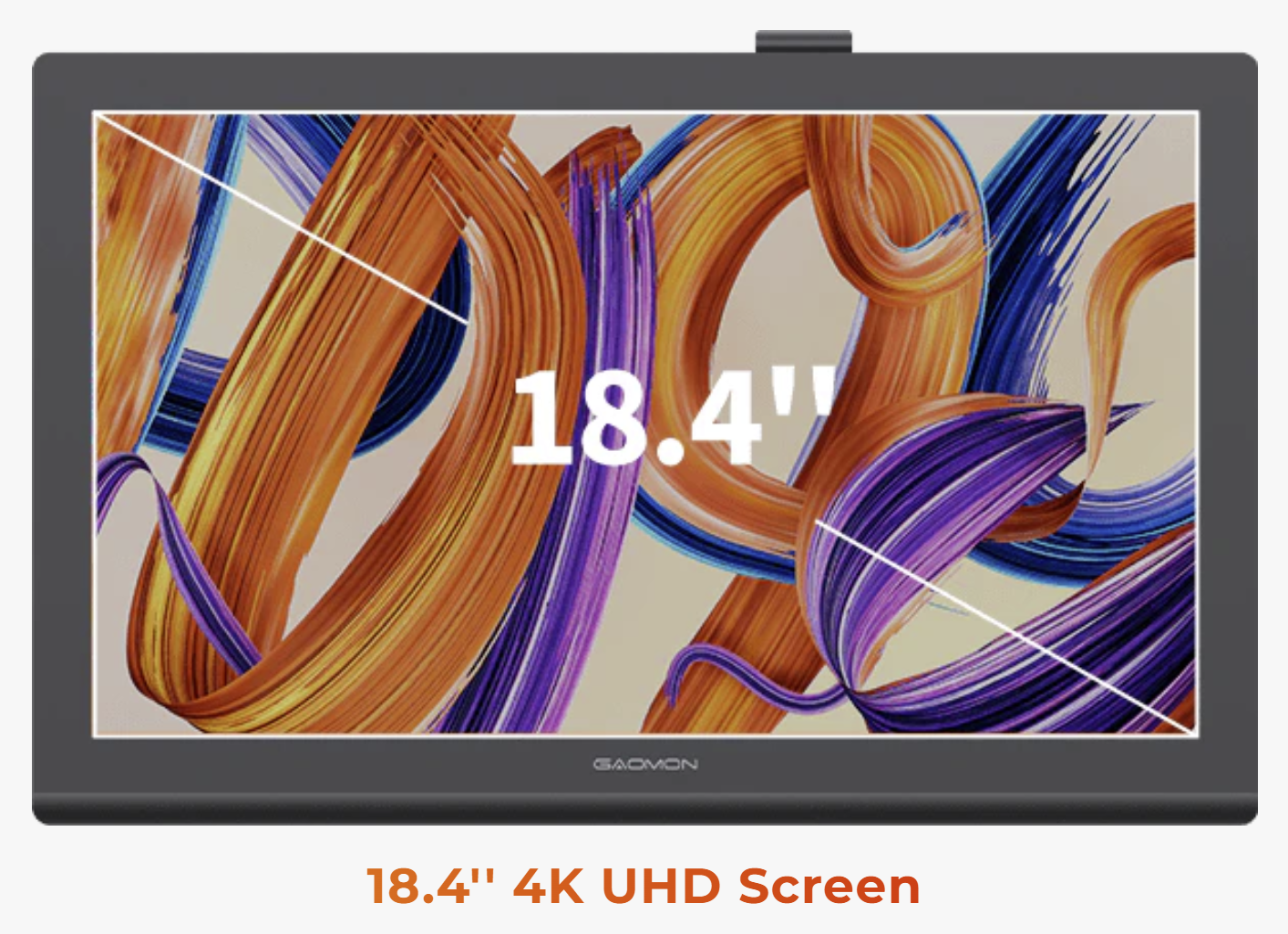
- The GAOMON Pro 19 (PD1900) is an 18.4‑inch 4K UHD pen display designed for professional digital art, animation, design, and illustration.
- It requires a connection to a computer or compatible mobile device to function.
Compatibility & Requirements
2. Which operating systems does the Pro 19 support?
- The PD1900 pen display supports:
- Windows 7 or later
- macOS 10.12 or later
- Android devices that support USB 3.1 + DP1.2 video output
3. Does the PD1900 work with iPads or iPhones?
- No. iPads and iPhones do not support external display input, so they cannot be used with the PD1900.
4. Does the PD1900 work with Android phones?
- Yes — but only with Android devices that support:
- USB 3.1 Gen 1 or Gen 2, and
- DisplayPort Alt Mode (DP1.2)
- This is required for video output to the display.
Display & Performance
5. What is the screen resolution?
- The PD1900 features a 3840 × 2160 (4K UHD) display.
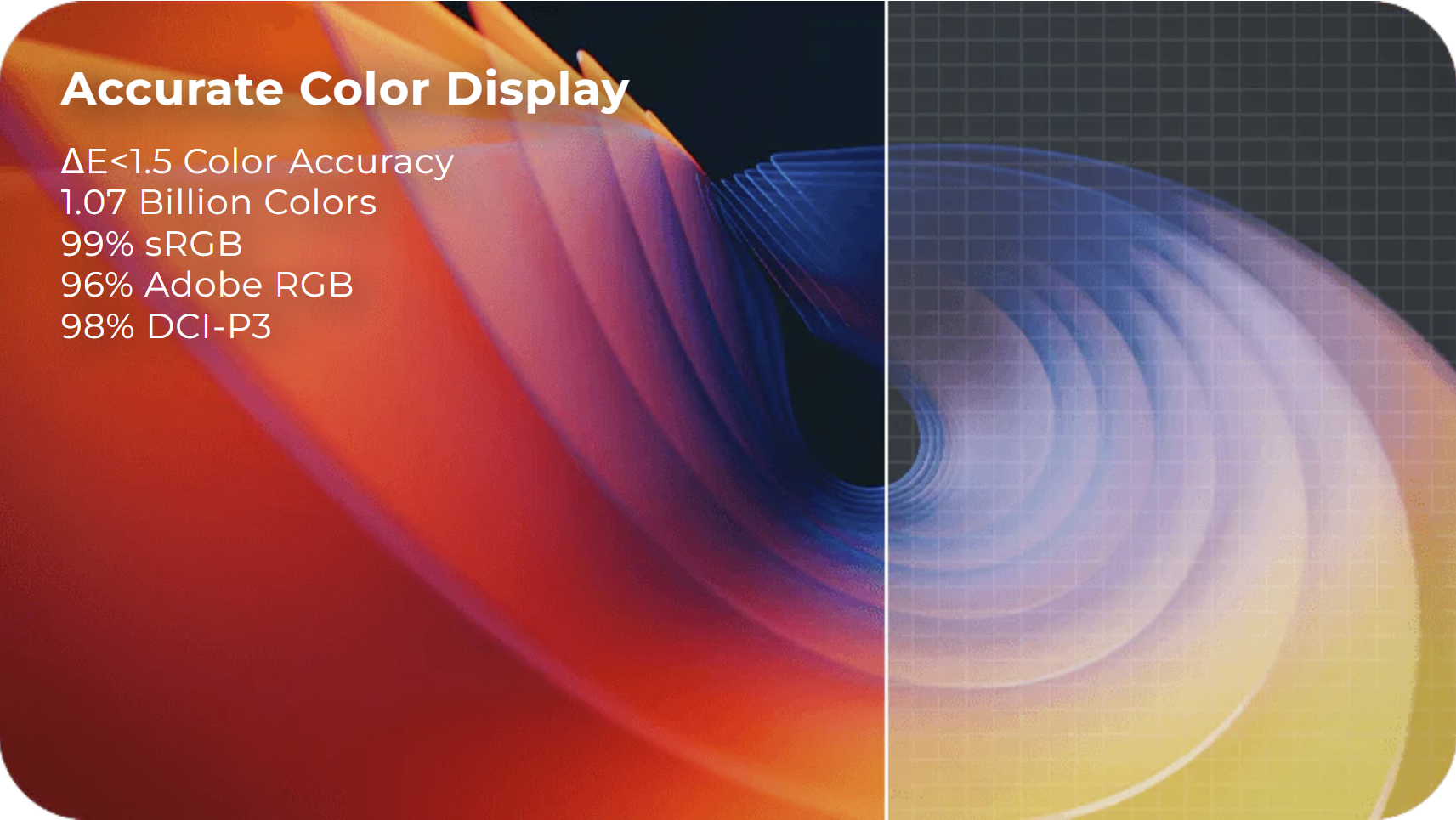
6. What is the color accuracy?
- The display supports:
- 99% sRGB
- 96% Adobe RGB
- 98% DCI‑P3
- ΔE < 1.5 color accuracy
- 1.07 billion colors (8-bit + FRC)
7. Does the screen have anti‑glare?
- Yes — it uses anti‑glare etched glass with full lamination to reduce parallax and reflections.
Pen & Drawing Features
8. What pen does the PD1900 use?
- It includes the G‑Pro Pen (AP520), featuring:
- 16,000 levels of pressure sensitivity
- 2g initial activation force
- 0.35mm retraction distance
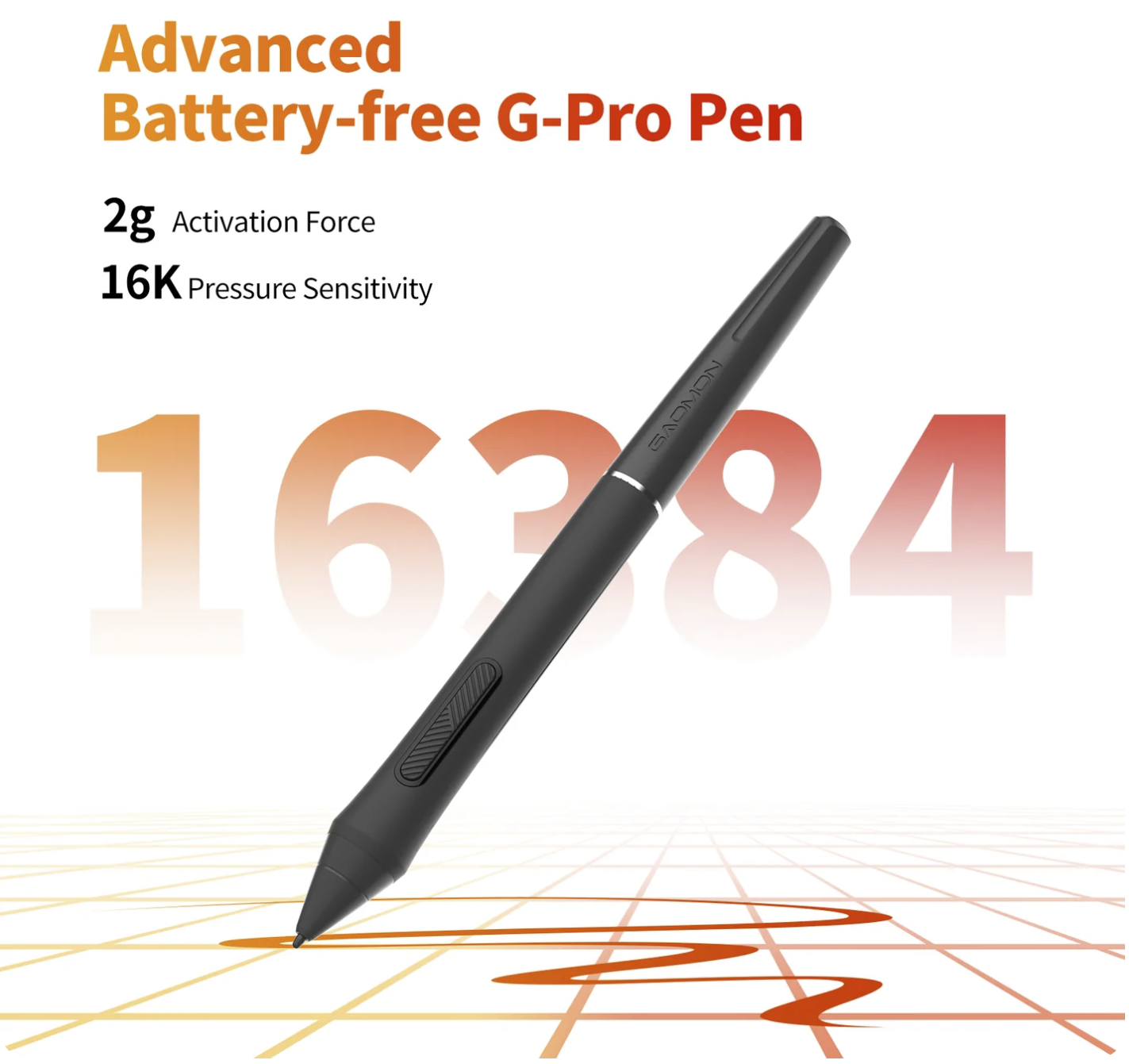
9. Does the AP520 pen require charging?
- No — the G‑Pro (AP520) Pen is battery‑free.
10. Does the PD1900 support tilt?
- Yes — the pen supports tilt functionality for natural shading (based on GAOMON's pen technology family).
Connections & Setup
11. What cables are included?
- From the official product listing:
- HDMI cable
- USB‑C to USB‑A cable
- USB‑C to USB‑C cable (for devices that support full‑featured USB‑C)
12. Does the PD1900 support USB‑C video?
- Yes — but only with a full‑featured USB‑C port that supports DisplayPort Alt Mode.
- The full‑featured Type‑C cable is sold separately.
13. Can I use an HDMI‑to‑USB‑A adapter?
- No — USB‑A ports cannot output video, so these adapters will not work.
14. Does the PD1900 need external power?
- Yes — it requires a dedicated power adapter to operate.
Troubleshooting
15. My PD1900 turns on but shows "No Signal." What should I do?
- Common causes include:
- HDMI plugged into the motherboard instead of the graphics card
- When using a desktop computer with a dedicated graphics card, the HDMI cable should be connected to the graphics card.
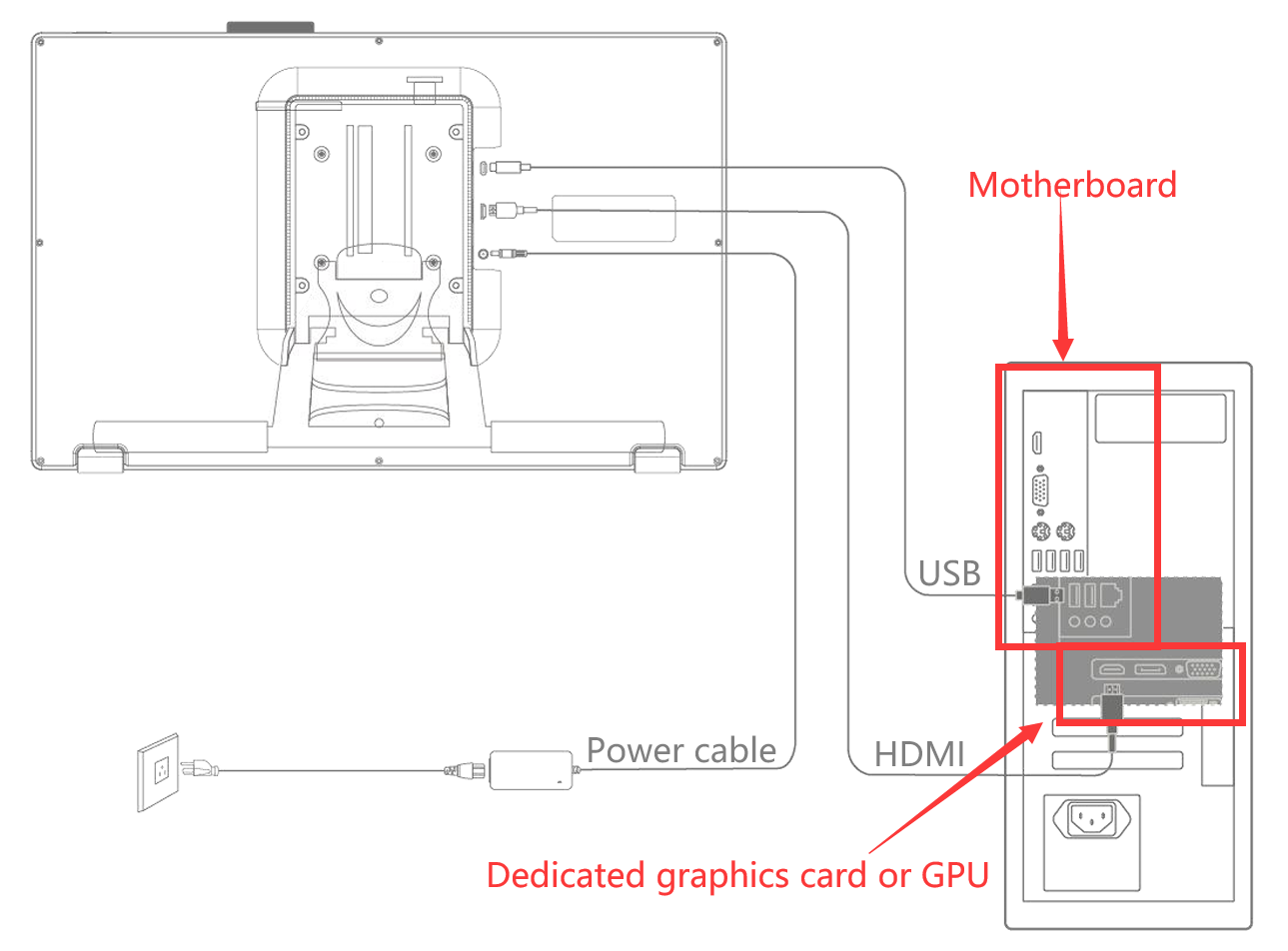
- When using a desktop computer with a dedicated graphics card, the HDMI cable should be connected to the graphics card.
- Unsupported adapters (USB‑A → HDMI) - The USB-A port cannot support display connections. Instead, use the following types of adapters:
- HDMI to DisplayPort (DP)
- HDMI to DVI
- Faulty HDMI cable - use a different HDMI cable
- Using a non‑video USB‑C port - a USB-C port that doesn't support video connection must not be used.
- The USB-C-to-USB-C cable used is not full-featured.
- HDMI plugged into the motherboard instead of the graphics card
16. My PD1900 won't power on. What should I check?
- Ensure the power adapter is plugged into a working outlet
- Confirm the power cable is fully inserted
- Try another outlet
- Check for damage to the adapter or cable
- Test with another computer if possible
Warranty & Support
17. What is the warranty period?
- The GAOMON Pro 19 (PD1900) includes a 1‑year limited warranty (2 years in the EU) when purchased from authorized online and offline sellers.
18. Where can I download drivers?
- Drivers are available on GAOMON's official driver page:
- Windows, macOS, and Linux drivers for the model listed under Pro 19 (PD1900)
19. How do I contact GAOMON support?
- You can reach GAOMON's support team through the official website's Support / Contact section or via email at service@gaomon.net.
Accessories & Extras
20. Does the PD1900 come with a stand?
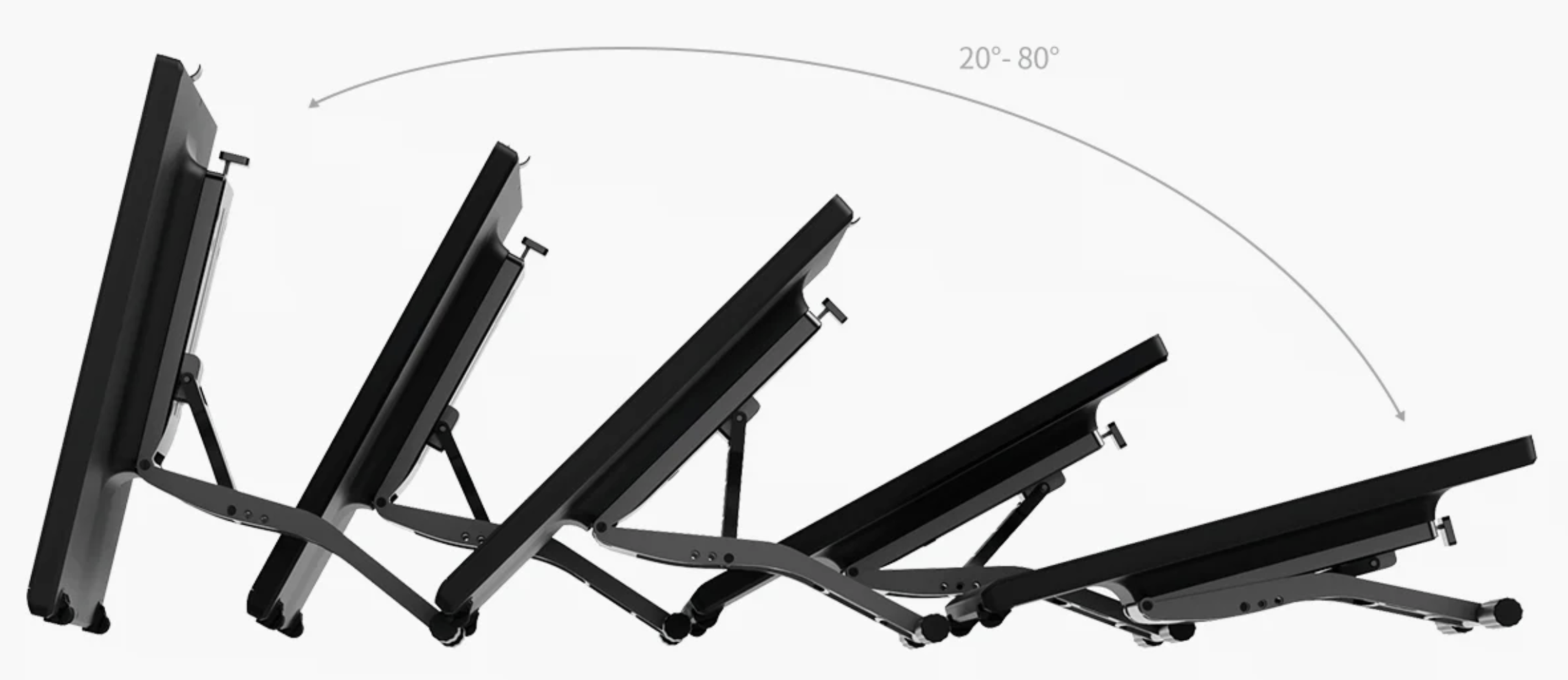
- Yes — the PD1900 includes a built‑in adjustable stand that provides stable support at angles between 20 and 80 degrees.
21. Are replacement nibs included?
- Yes — it typically includes replacement nibs with the pen displays, which are inside the pen holder.
Was this article helpful?
That’s Great!
Thank you for your feedback
Sorry! We couldn't be helpful
Thank you for your feedback
Feedback sent
We appreciate your effort and will try to fix the article